01
See words as you speak
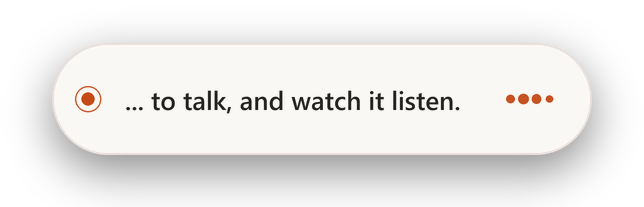
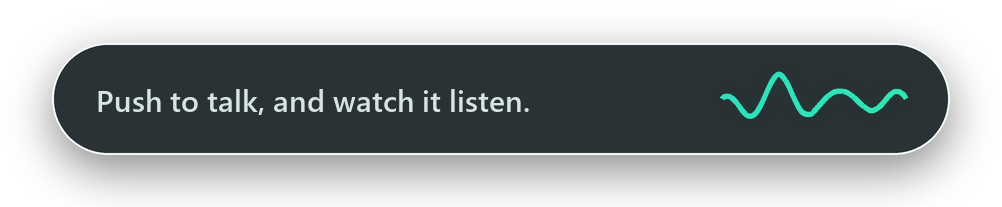
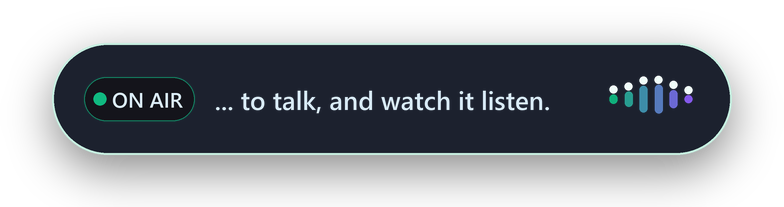
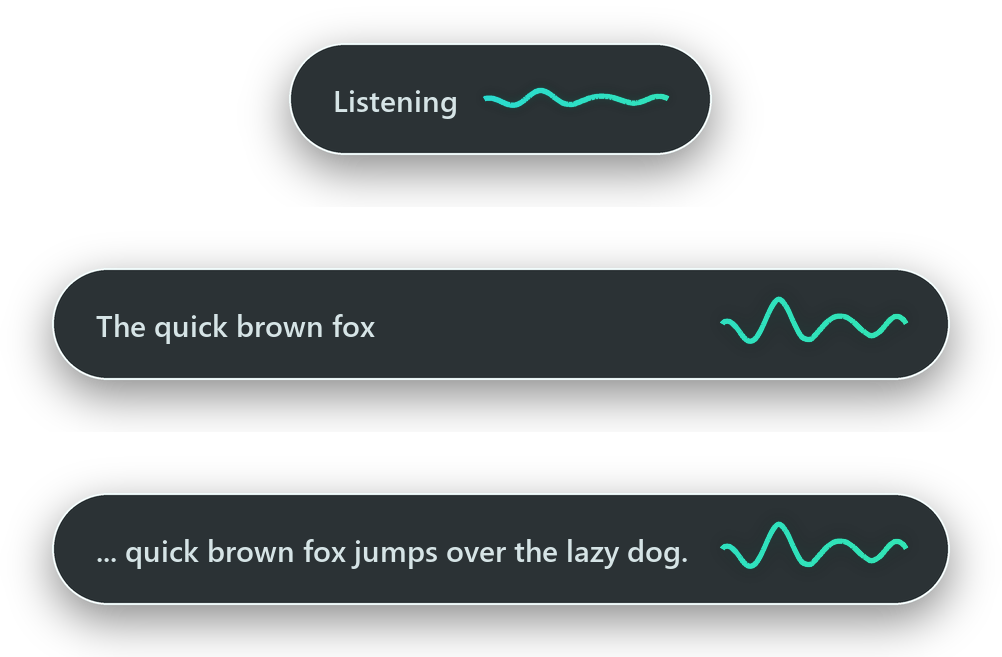
The overlay shows Gemini's running transcript, so you can notice the wrong language, microphone, or name before text is inserted.
Hold a key, speak, and release. SenFlow shows the transcript while you talk, then types the finished text into the app you are already using.
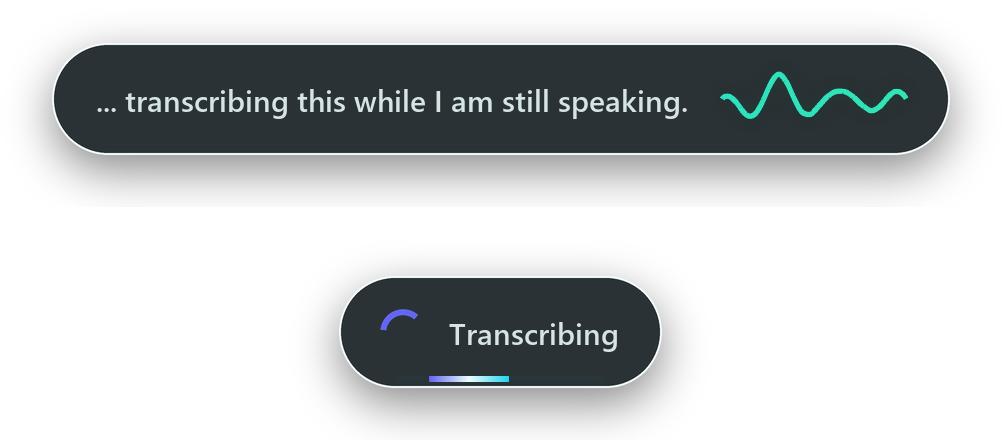
A clear live transcript while speaking, followed by a brief finalisation state.
SenFlow keeps the interaction short and predictable, while the controls you need remain available from the tray and Settings window.
The overlay shows Gemini's running transcript, so you can notice the wrong language, microphone, or name before text is inserted.
Audio streams during speech. Releasing the key only waits for the final words rather than uploading the entire recording.
A short pre-roll captures clipped starts, natural pause handling protects word endings, and failed recordings remain available for retry.
Select text and dictate an instruction to fix grammar, translate, summarise, or rewrite it directly in place.
Review saved dictations, batch-transcribe audio, identify meeting speakers, and export SRT or WebVTT captions.
The live interpreter, output styles, custom vocabulary, sound cues, and overlay themes are optional and stay out of the primary voice typing path.
Thirty themes are organised into six layout families. Change the overlay at any time without affecting transcription, shortcuts, or performance.
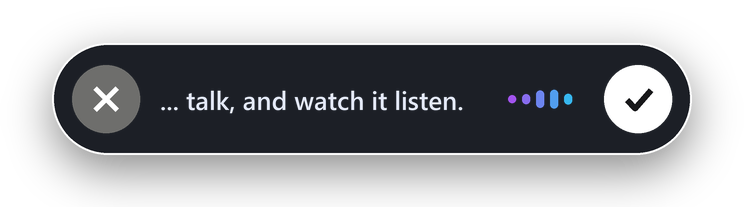
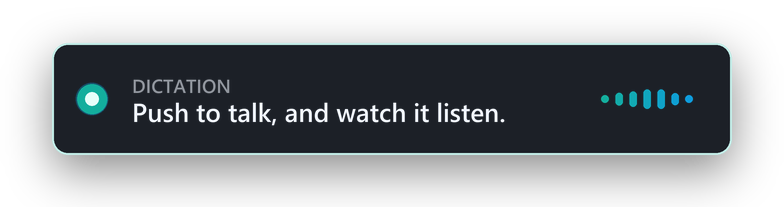
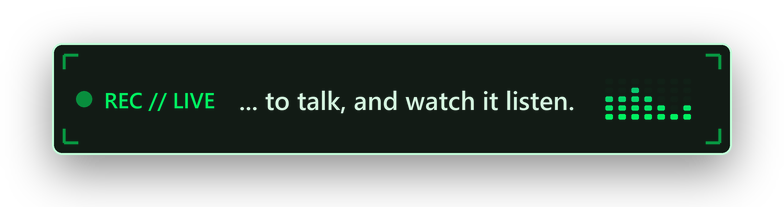
Right Ctrl remains the primary shortcut. An optional F13 key supports dedicated voice hardware.
Open any normal Windows text field where you want the words to appear.
Use Right Ctrl or the configured hardware key. Watch the live transcript as you talk.
SenFlow finalises the transcript and types it at the current cursor position.
SenFlow transcribes with Google's Gemini API, so while you hold the key your audio is sent to Google. It needs an API key and internet access, and there is no offline mode. Google's Gemini API terms state that on the free tier Google may use submitted content, including dictation, to improve their products. Paid-service protections and regional exceptions are described in those terms. Your Google account and billing determine which terms apply. Read the Privacy Policy before dictating sensitive information.
The common actions are available from the keyboard. Everything else remains in the tray menu and Settings window.
The installer does not require an administrator prompt. On first launch, SenFlow validates your Gemini API key before saving it.
Successful transcripts are saved locally so they can be searched and recovered. Usage counters also remain on your computer.
%APPDATA%\SenFlow\scratchpad.db%APPDATA%\SenFlow\config.toml